Don’t despair — ask Professor Digital.
A book series that turns AI into everyday practice — profession by profession. Each book with reading sample, vetted prompts, a GDPR traffic-light and a coaching avatar.

Professor Digital explains AI — for your profession.
“AI for Teachers” is out now; the other professions follow. Every title with the same companion: reading sample, vetted prompts and a coaching avatar.
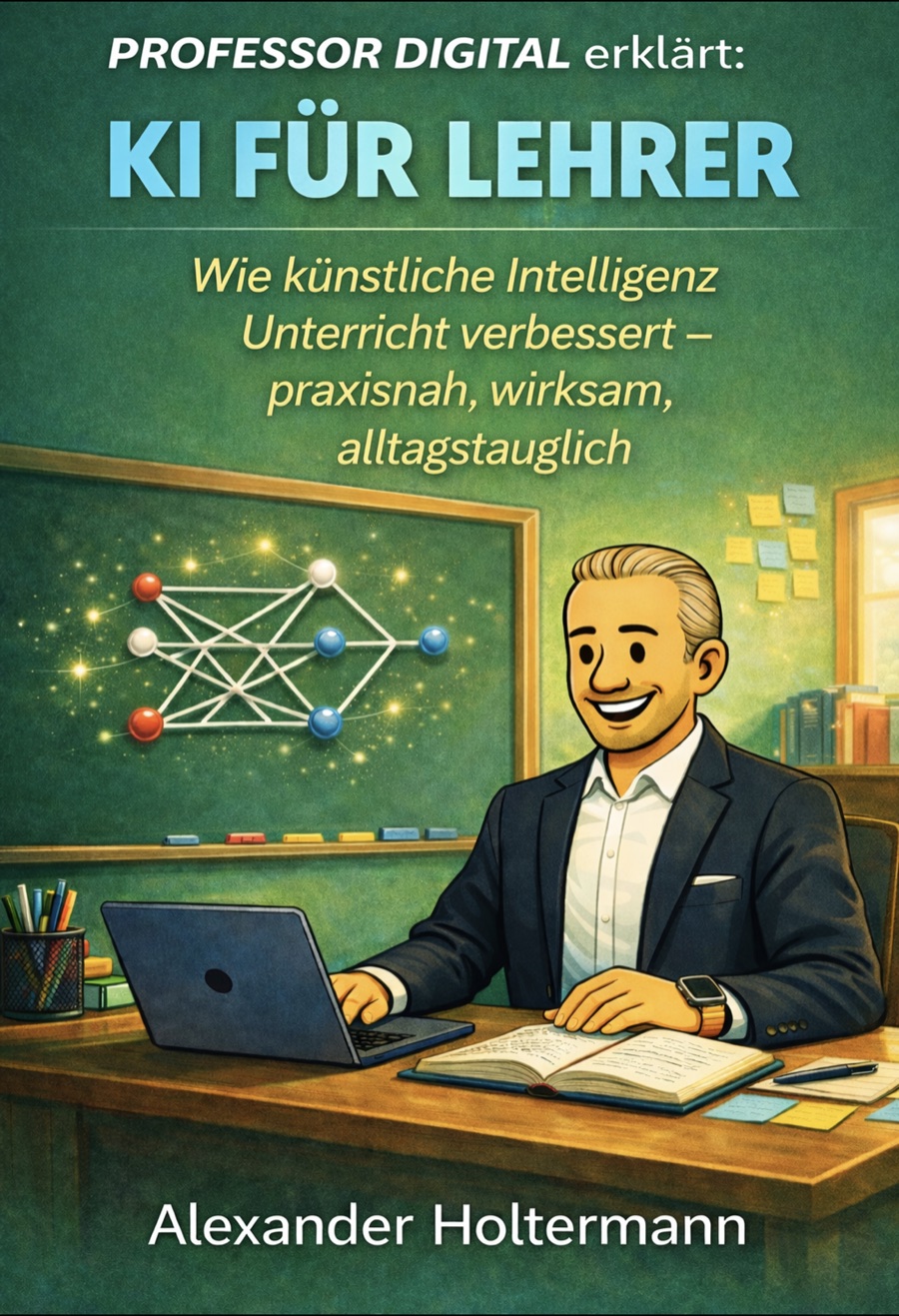
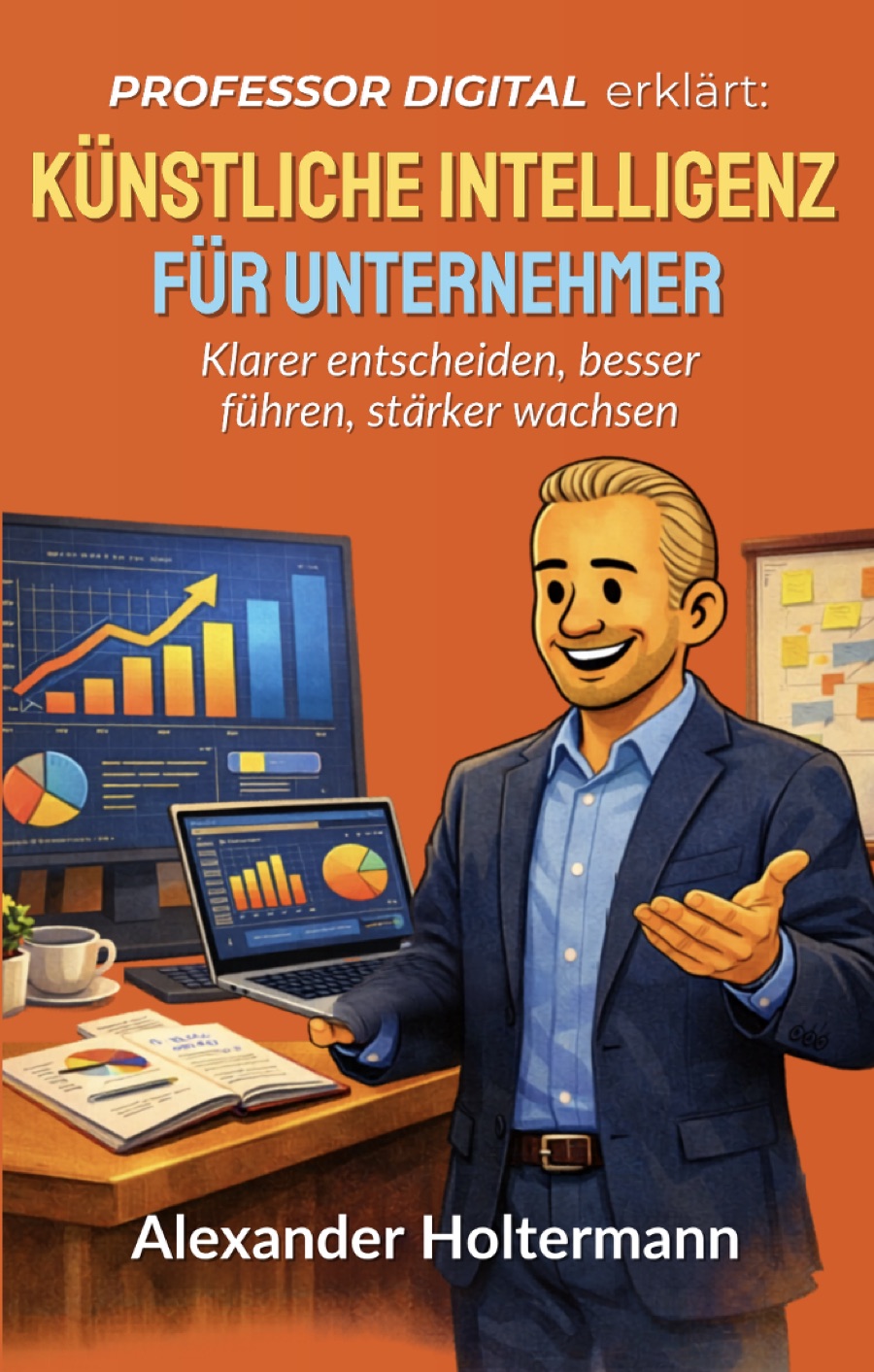
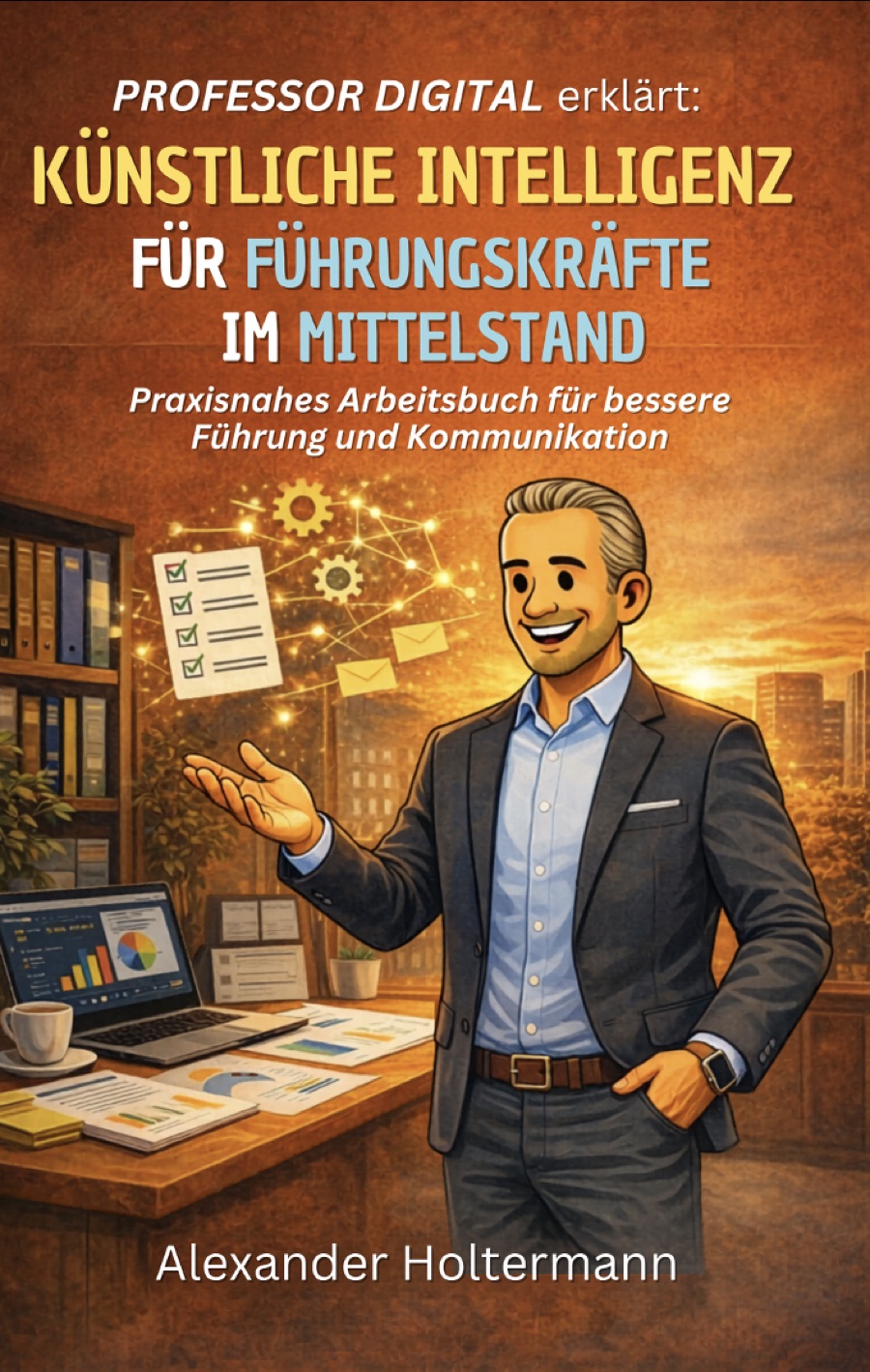
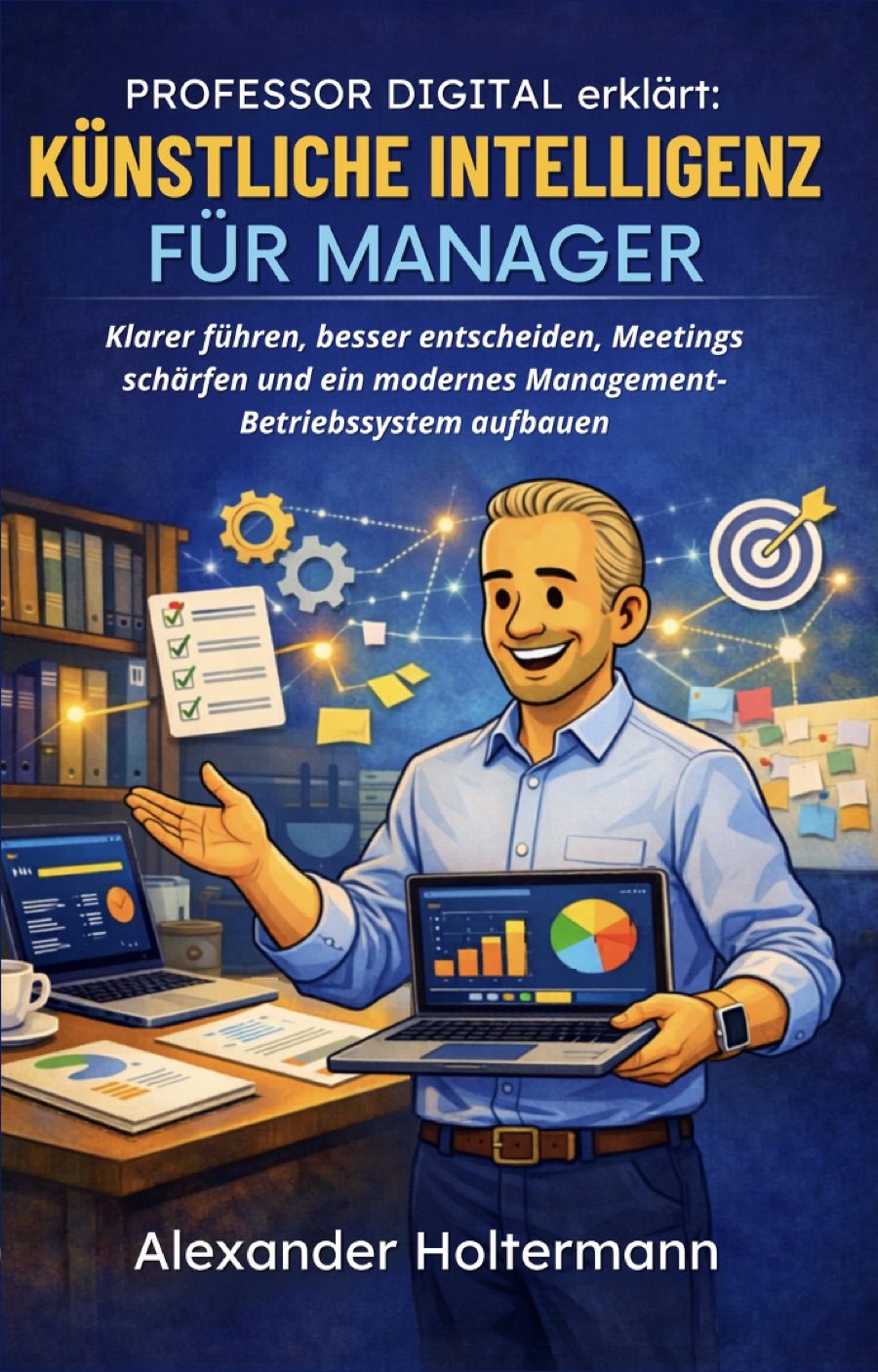
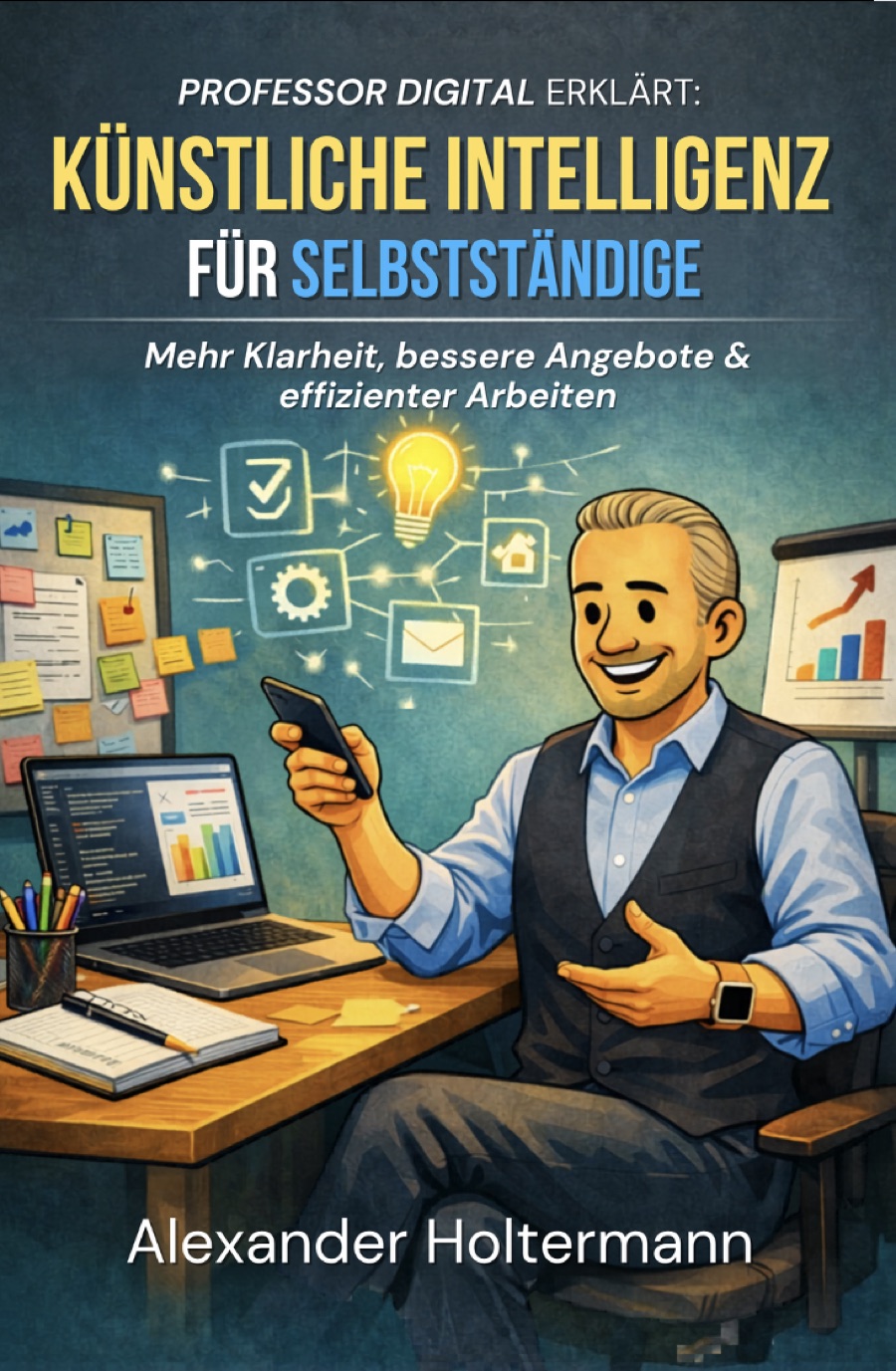
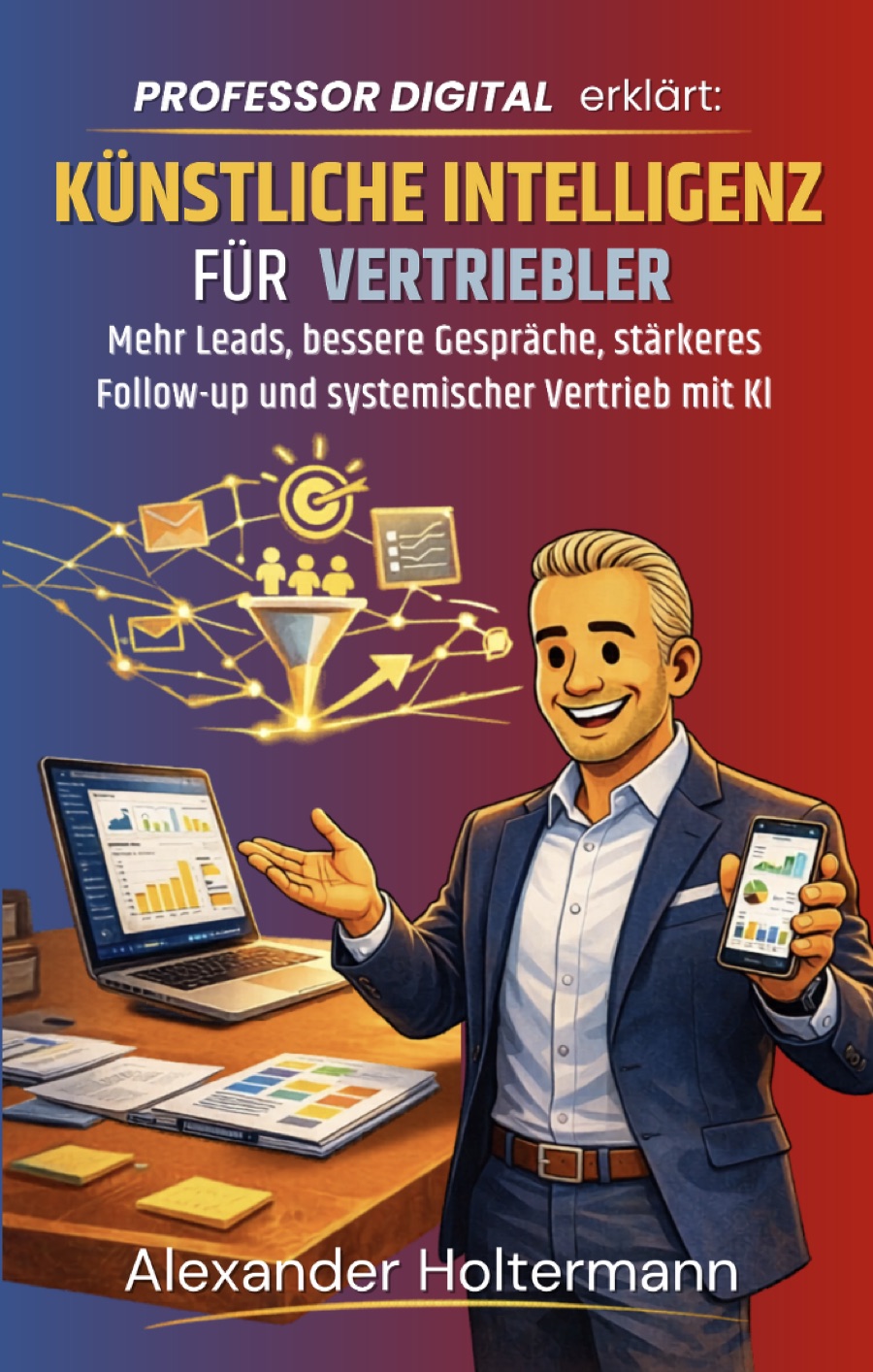
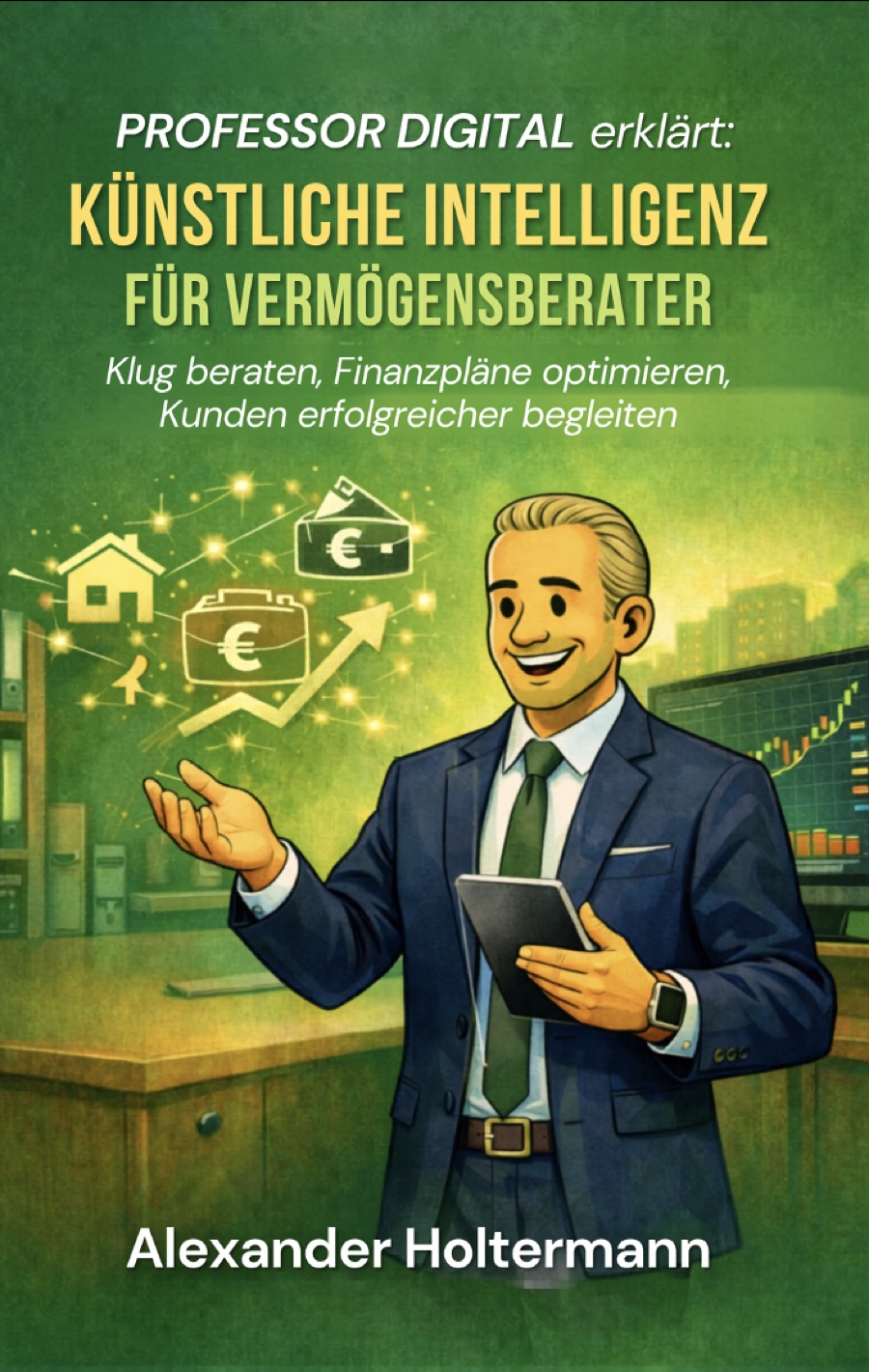
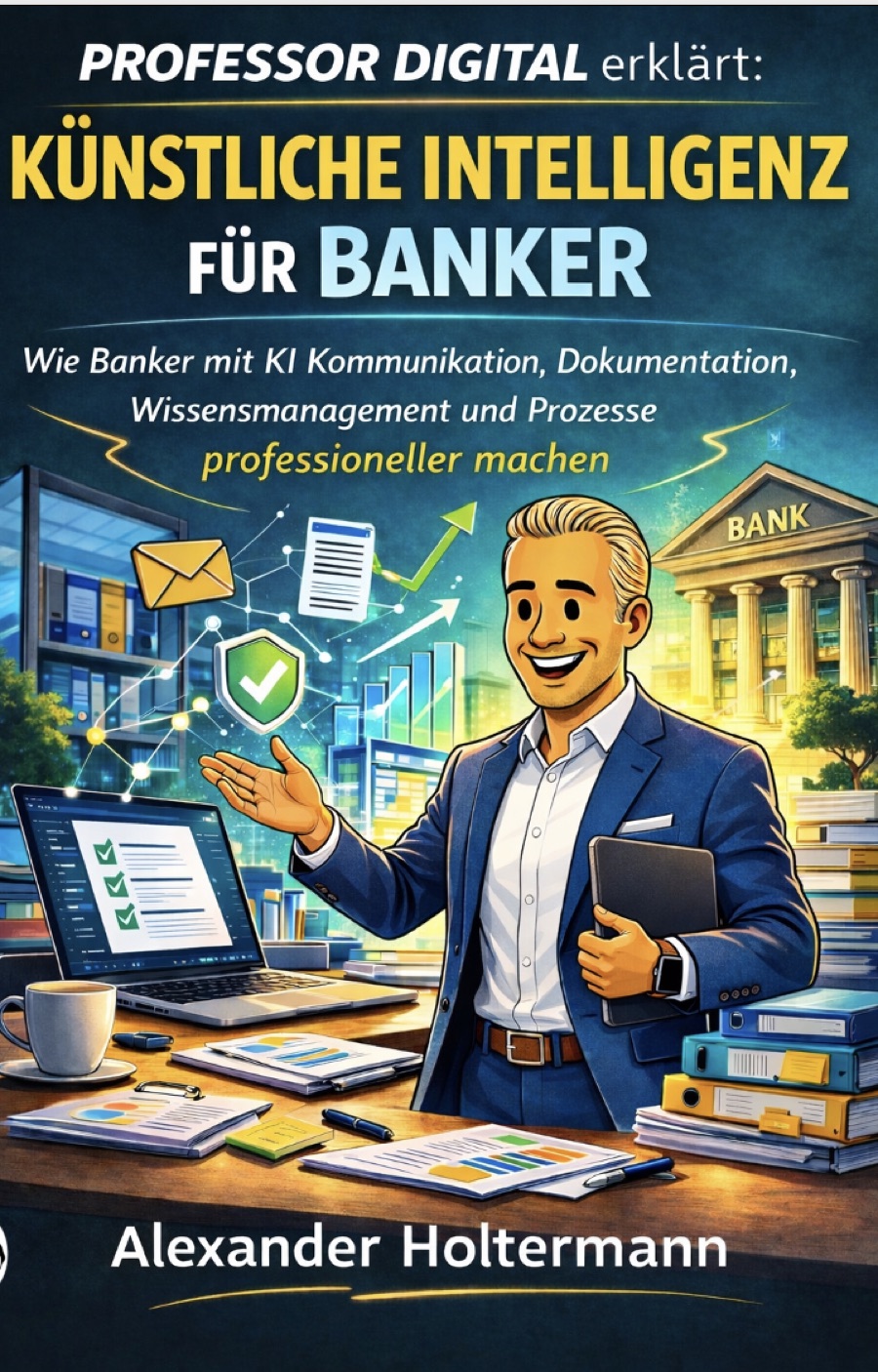
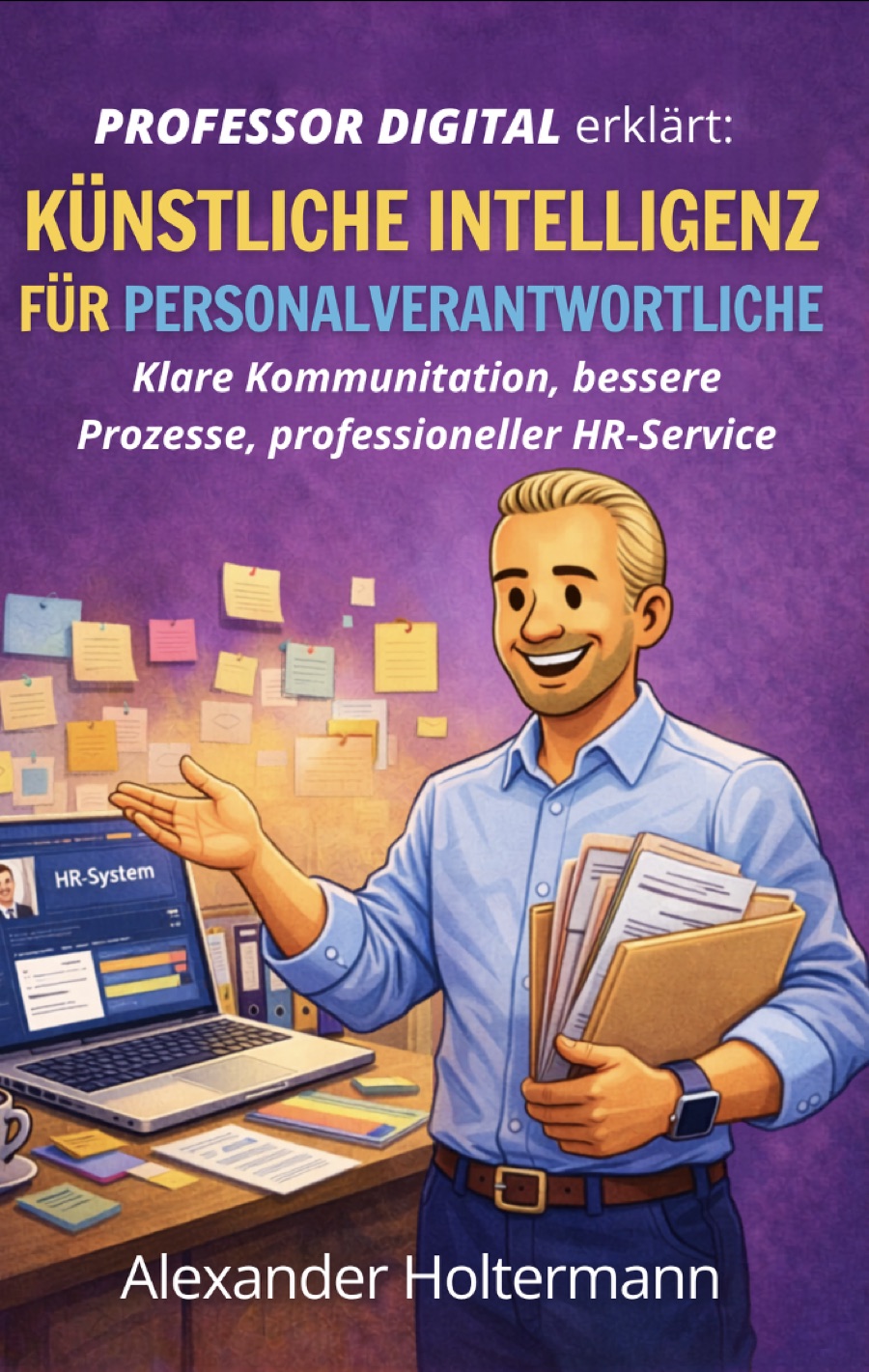
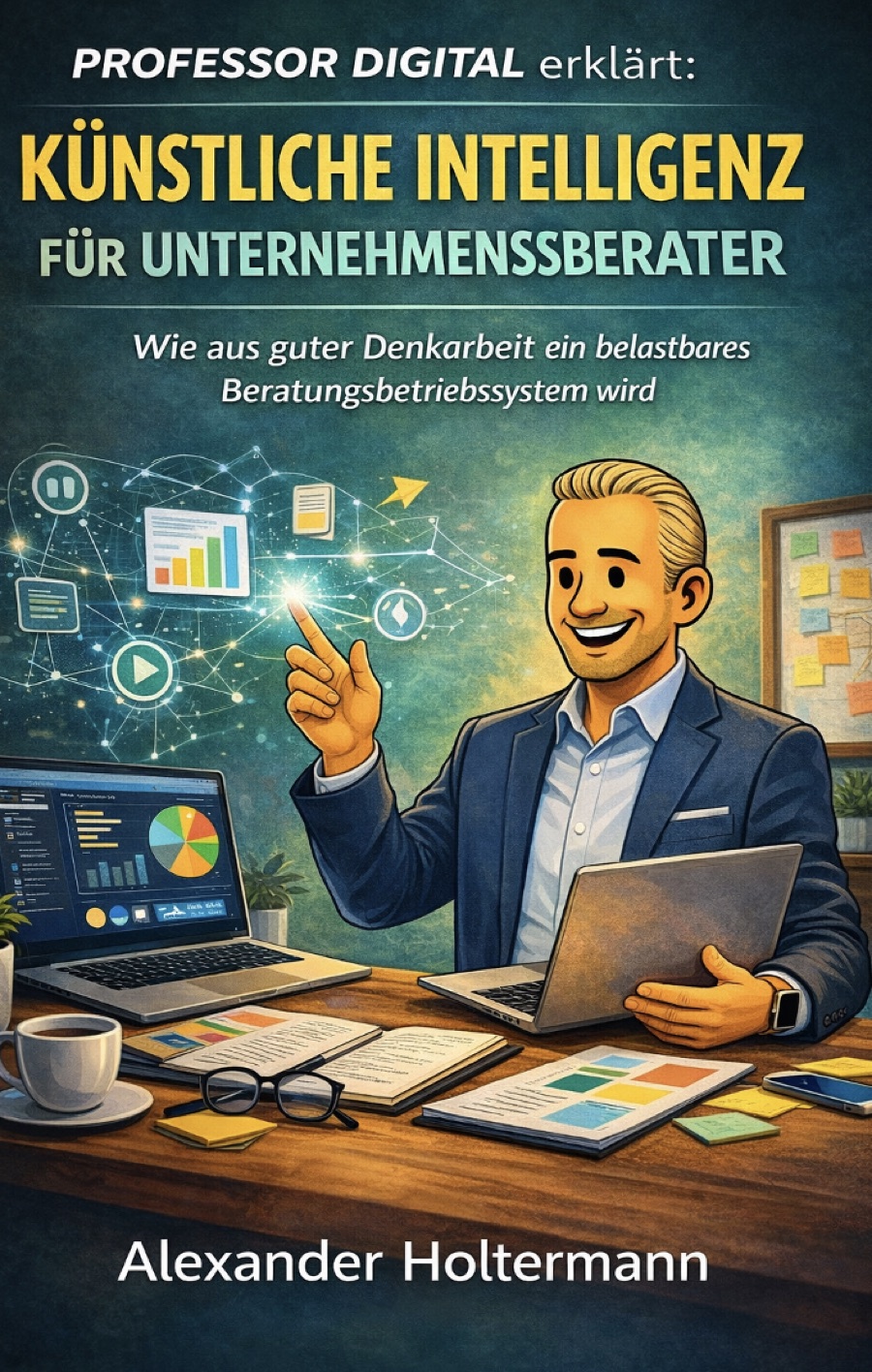
From the book — straight into your day.
Reading sample & flip-through
Leaf through the book before you decide — excerpts right on the book page.
Vetted prompts & GDPR traffic-light
Every prompt ready to use; the traffic-light says clearly what each tool may do.
Talk to Professor Digital
The coaching avatar answers your questions about the book — grounded, honest.
Your question. An honest answer.
Professor Digital gives pedagogical guidance, not legal advice. No personal data is stored.
Frequently asked
What is Professor Digital?
Professor Digital is the AI brand of Alexander Holtermann: a book series that turns AI into everyday practice, profession by profession — starting with teachers. Each book comes with a reading sample, vetted prompts, a GDPR traffic-light and a coaching avatar.
Which professions have a book?
“AI for Teachers” is out now. More professions follow (entrepreneurs, executives, managers, the self-employed, sales, wealth advisors, bankers, HR leaders, consultants) — each with the same companion of prompts, traffic-light and avatar.
Is Professor Digital GDPR-compliant?
Yes. The tools are built for data protection (GDPR traffic-light, EU processing); inputs are not used for training. AI answers are for orientation and must be checked on your own responsibility.
What does the teacher repository cost?
The teacher repository (vetted prompts, GDPR traffic-light, avatar) is free to use forever — no login needed. The books are available separately.